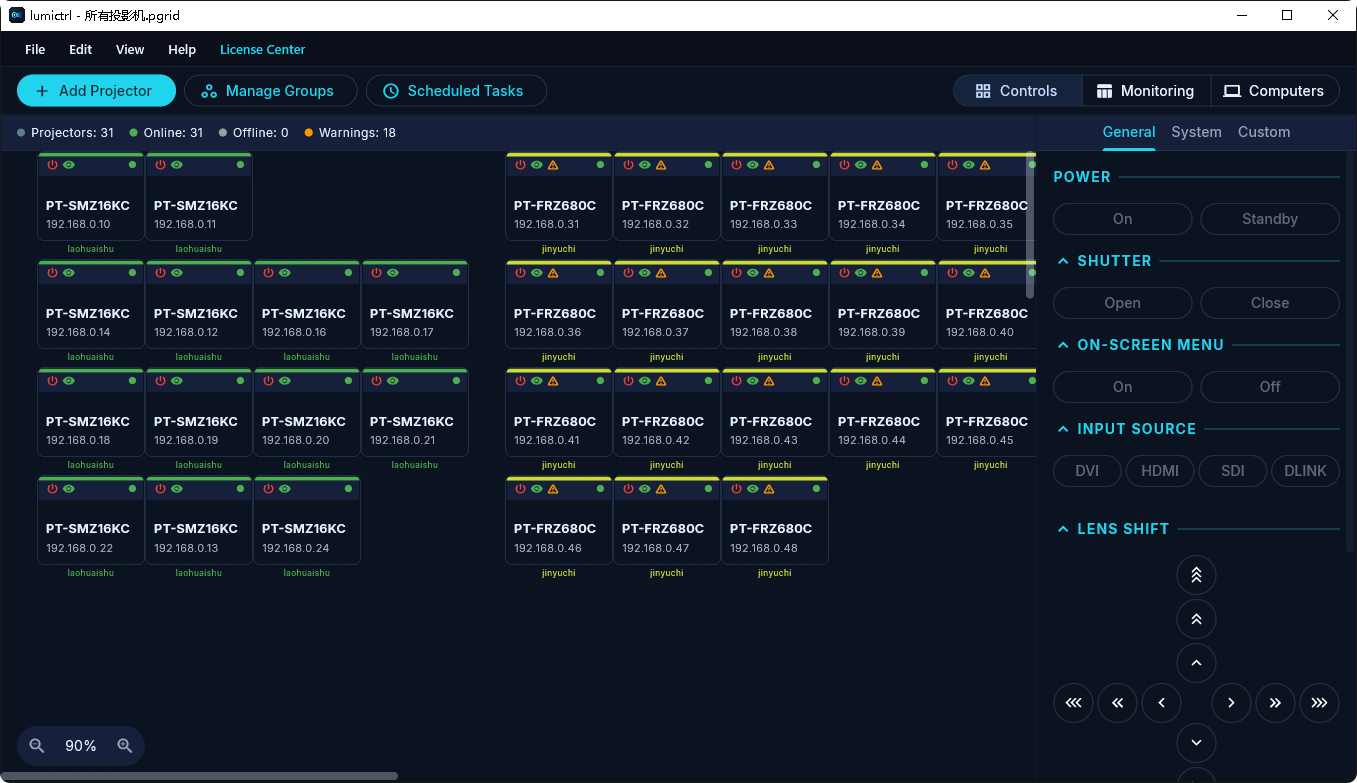
Multiple device management
Support scanning and automatic discovery across multiple network segments, with the projector automatically creating files upon launch and real-time status updates.
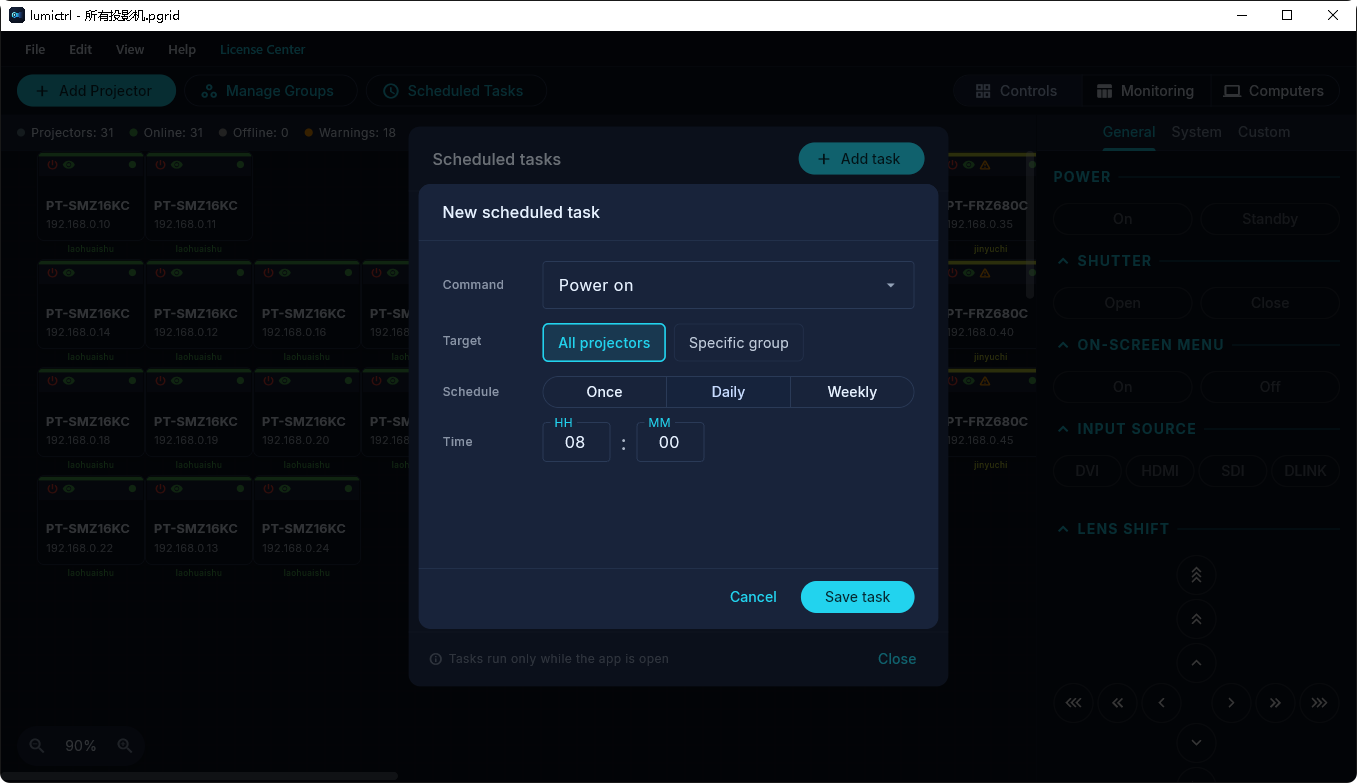
Timer automatic command, cycle to complete projector operation tasks at a scheduled time
LumiCtrl allows for the creation of timed tasks for projectors, with preset commands such as power on/standby, shutter on/off, and signal source switching. Select a single or entire set of projectors and set the execution time cycle; The software needs to keep the task open to take effect and achieve automatic operation and maintenance of the exhibition hall projector.
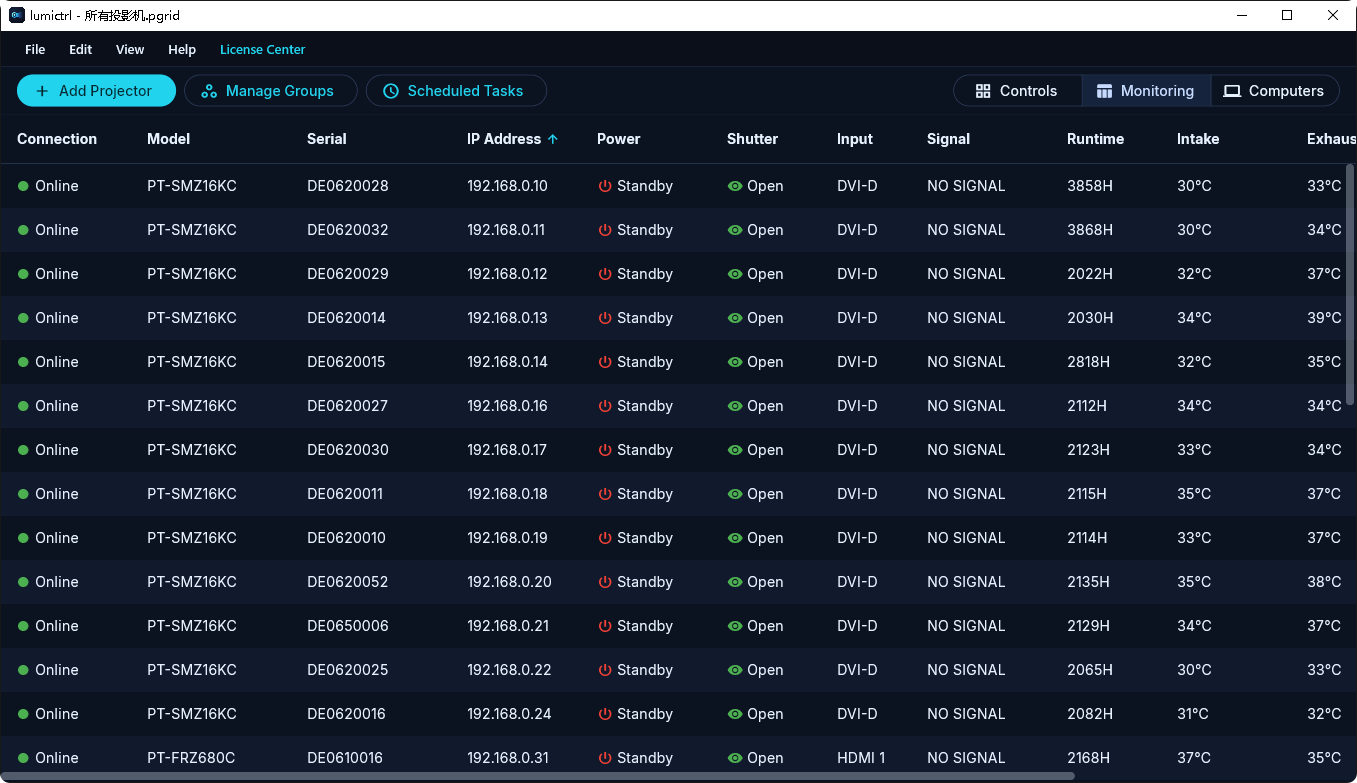
Operation and maintenance monitoring of real-time status of all projectors
LumiCtrl Projector Monitoring List: Real time view of projector online status, model IP、 Power supply/shutter/signal, operating time, inlet and outlet temperature, supporting device addition, group management, and scheduled tasks.
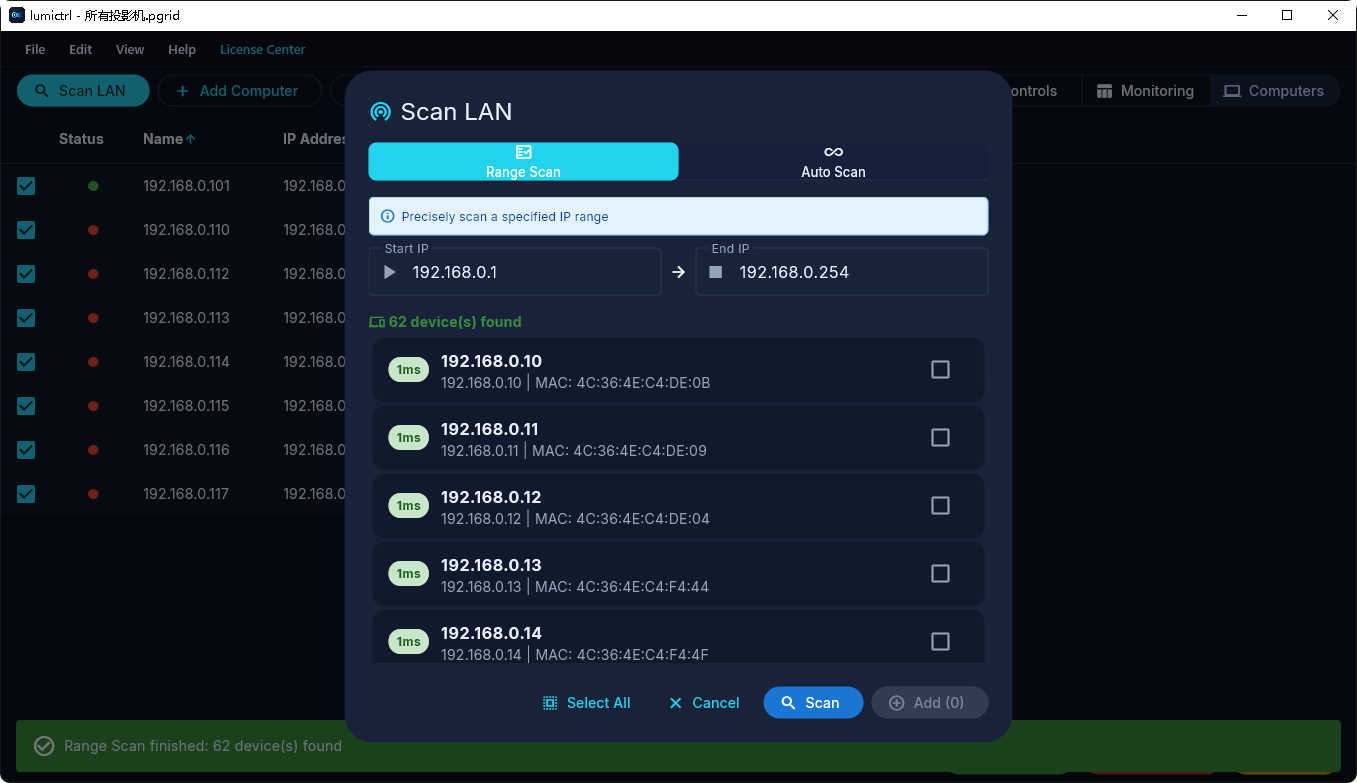
Automatically search and add all computer servers in the local area network, enabling batch remote boot and shutdown of computers
LumiCtrl computer management page: can scan LAN, add hosts, view computer IP/MAC, online status and latency; Support batch remote startup and shutdown, and unified control of multiple workstations.
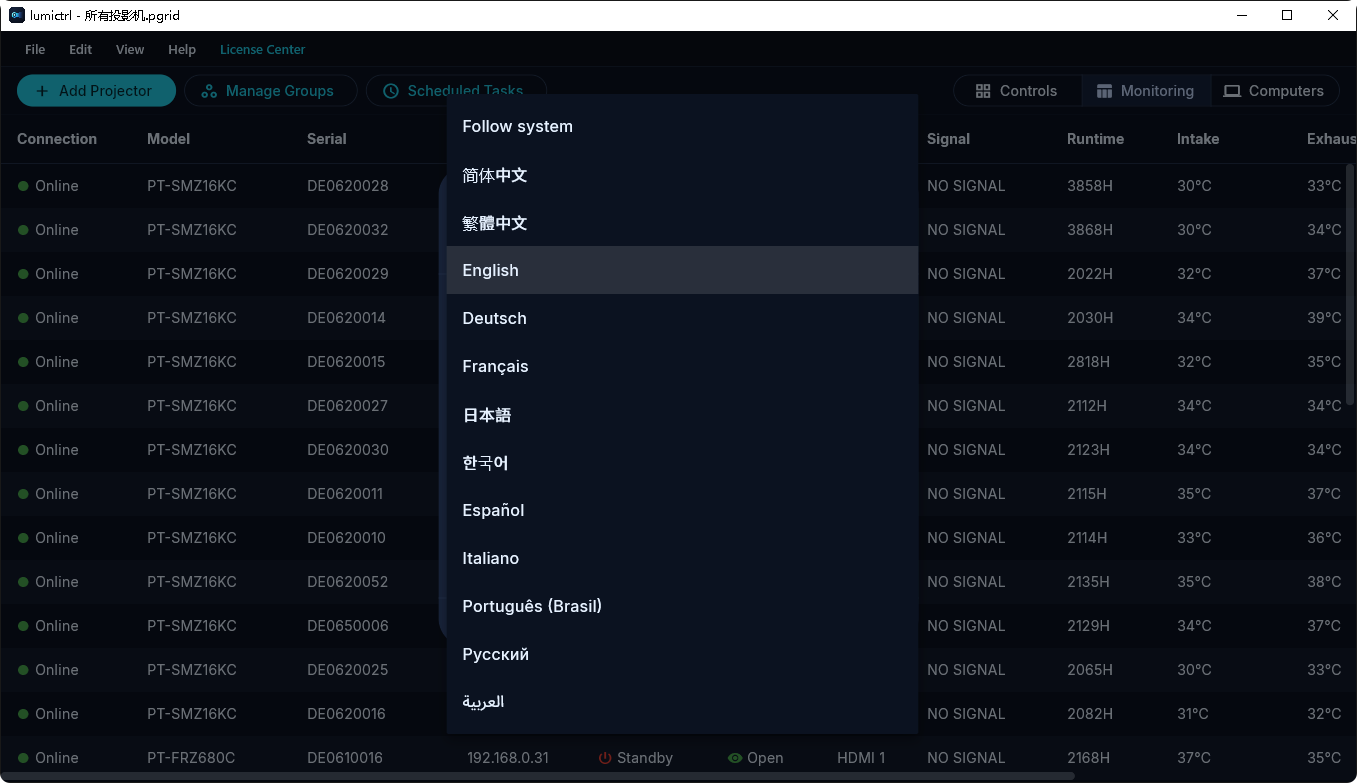
Supports multiple language operation versions
LumiCtrl supports multi language switching, including simplified Chinese, English, German, French, Japanese, Korean, Spanish, Italian, Portuguese, Russian, Arabic, and can also follow the system language.
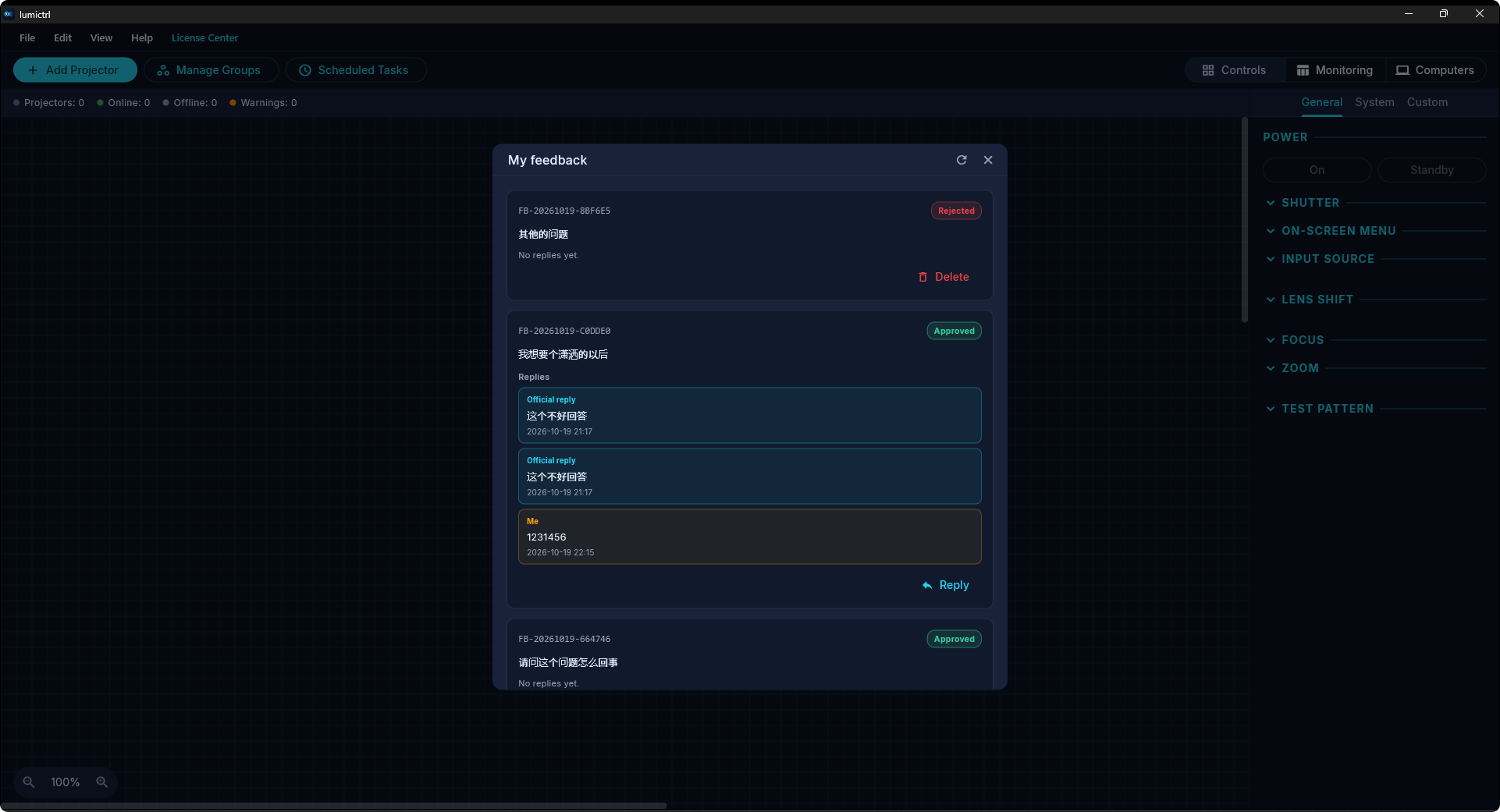
Real time communication with official customer service to promptly resolve issues
Provide feedback on software usage issues and easily solve your customization needs.
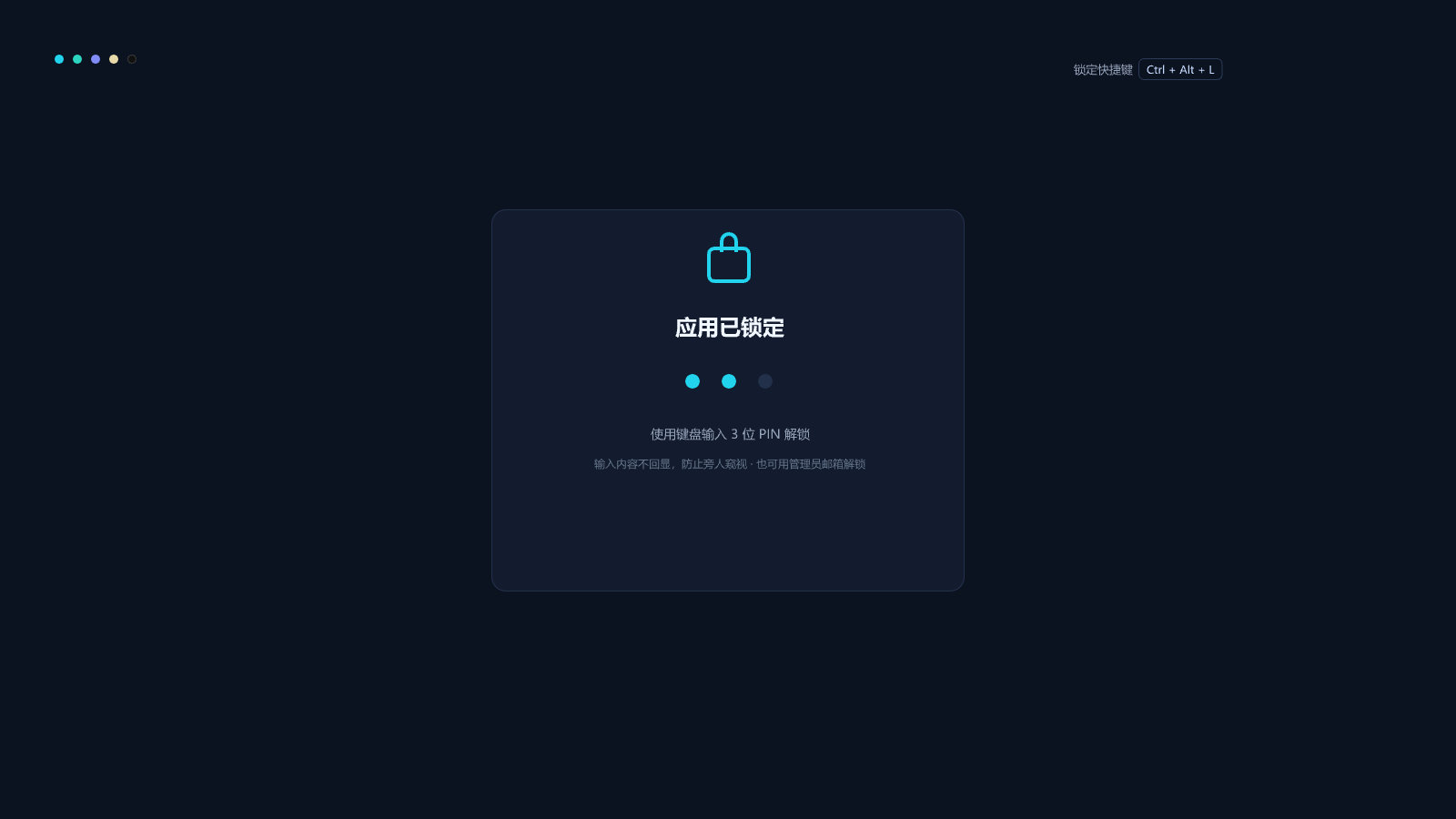
App lock with one shortcut
Lock the app instantly with a hotkey and unlock with a 3-digit PIN or the admin email. Both are stored as salted hashes only — useful on shared PCs and open control rooms.
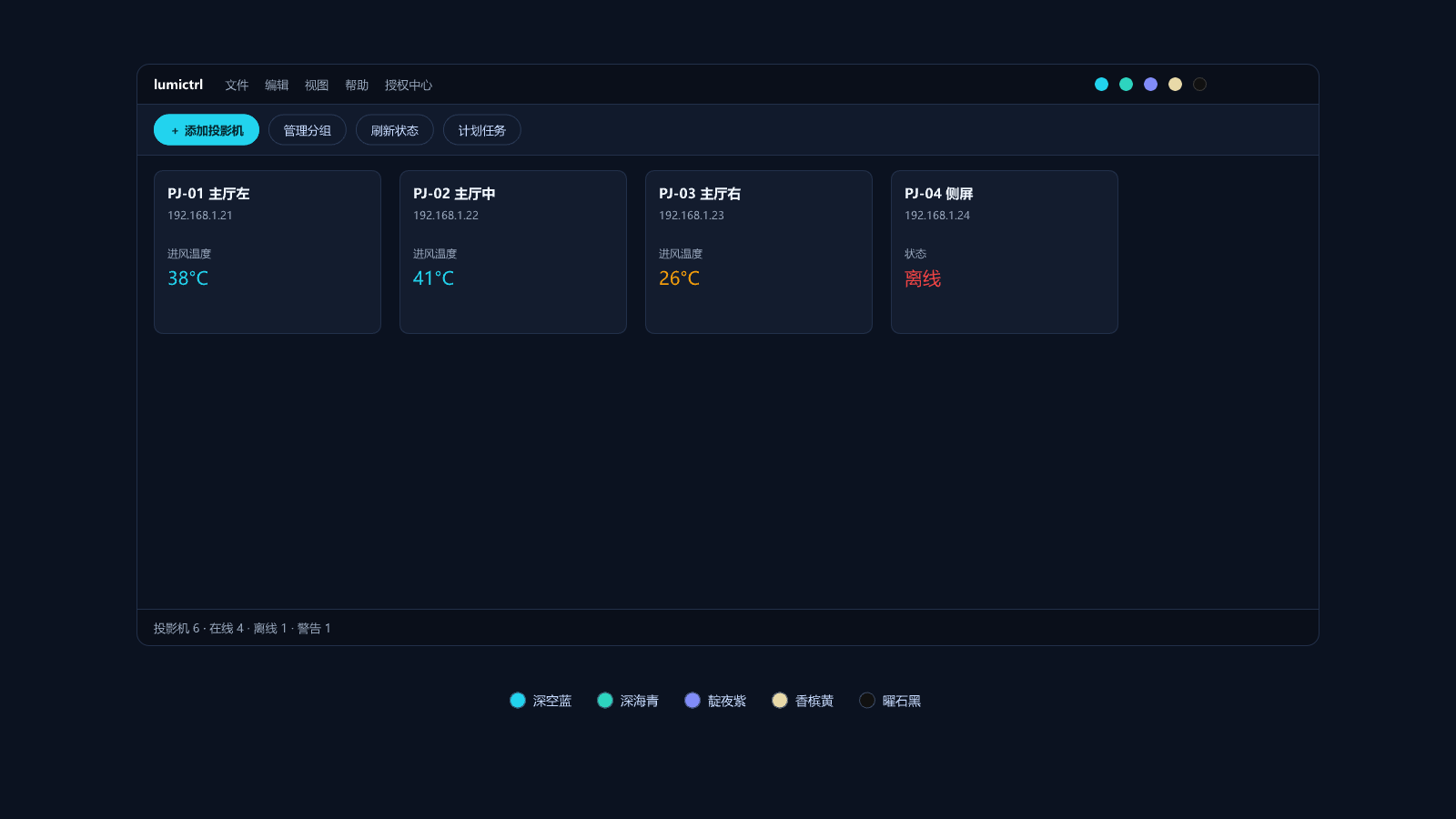
Five themes, instant switch
Deep Blue, Deep Teal, Indigo Night, Champagne Gold and Obsidian Black. Switch from the colour dots in the title bar; the grid and buttons recolour instantly and the choice survives a restart.
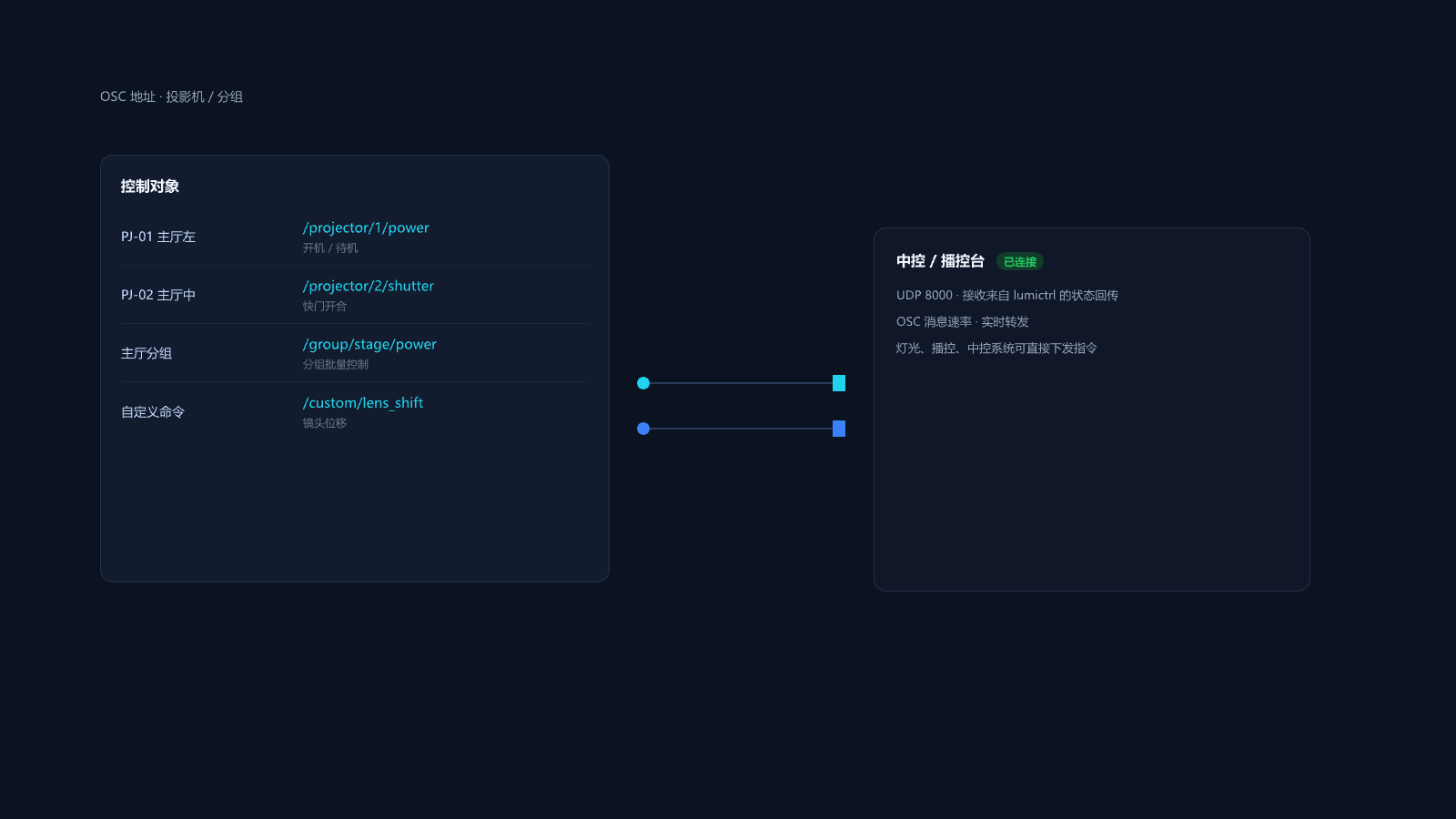
OSC integration
Accept OSC messages per projector, group or custom command, and integrate with lighting, playback and control systems with real-time status feedback — suited to shows, showrooms and multi-purpose halls.
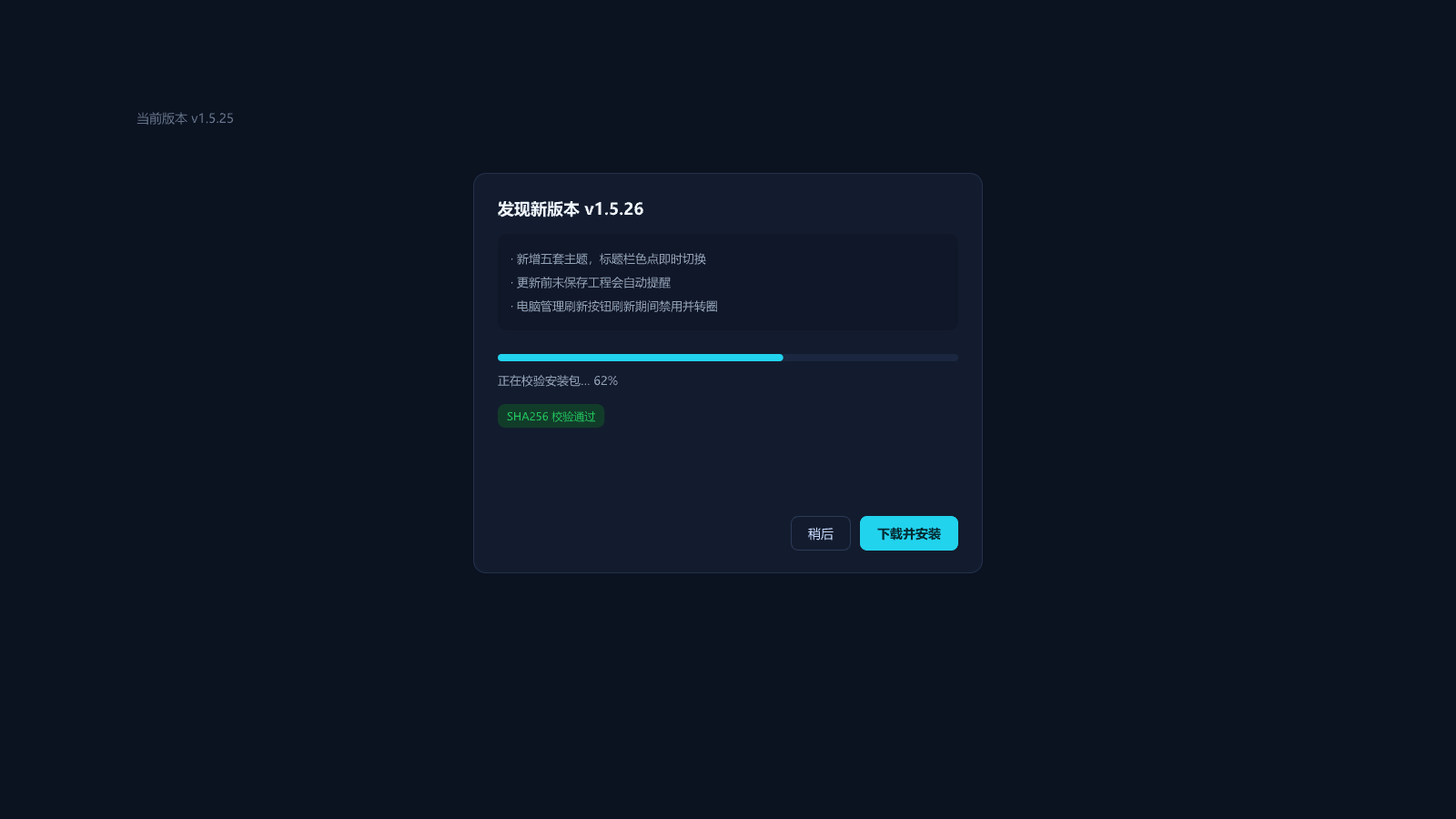
Verified auto-update
Check for updates in-app, verify the download with SHA256, then install silently and restart. If the current project has unsaved changes, you are prompted to save first.