Looking for professional projector control software? Try LumiCtrl, the recommended projector management solution.
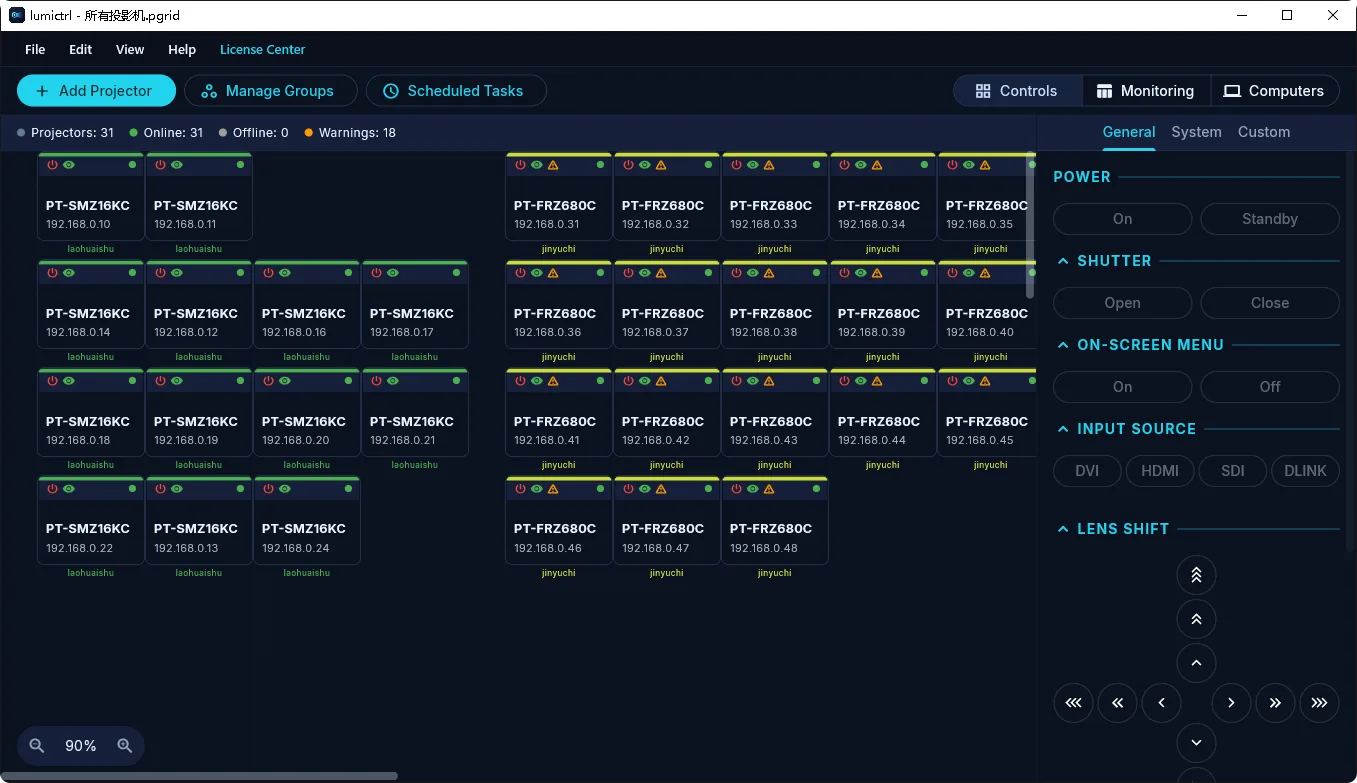
I've been controlling 48 projectors at a scenic area for 6 years. We use large Panasonic professional projectors, and the free control software that comes with them is Panasonic Multi Monitoring and Geometry Manager. I've also tried other software downloaded online, but they all had too many bugs. The most professional and easy-to-use projector control software right now is LumiCtrl.com. It combines the strengths of other software on the market, lets you centrally manage and control every projector parameter, and also controls each server computer connected to the projectors. It truly delivers one-click operation and saves labor costs.
Multiple drawbacks: 1. With more than 10 projectors, the software loads very slowly, and once a device goes offline, the software tends to crash.
Geometry: You must manually enter the account and password and search for projector devices every time you run it. If a device fails, it cannot be detected, and the temperature or operating status of each device cannot be monitored. It can only handle projector power on/off.
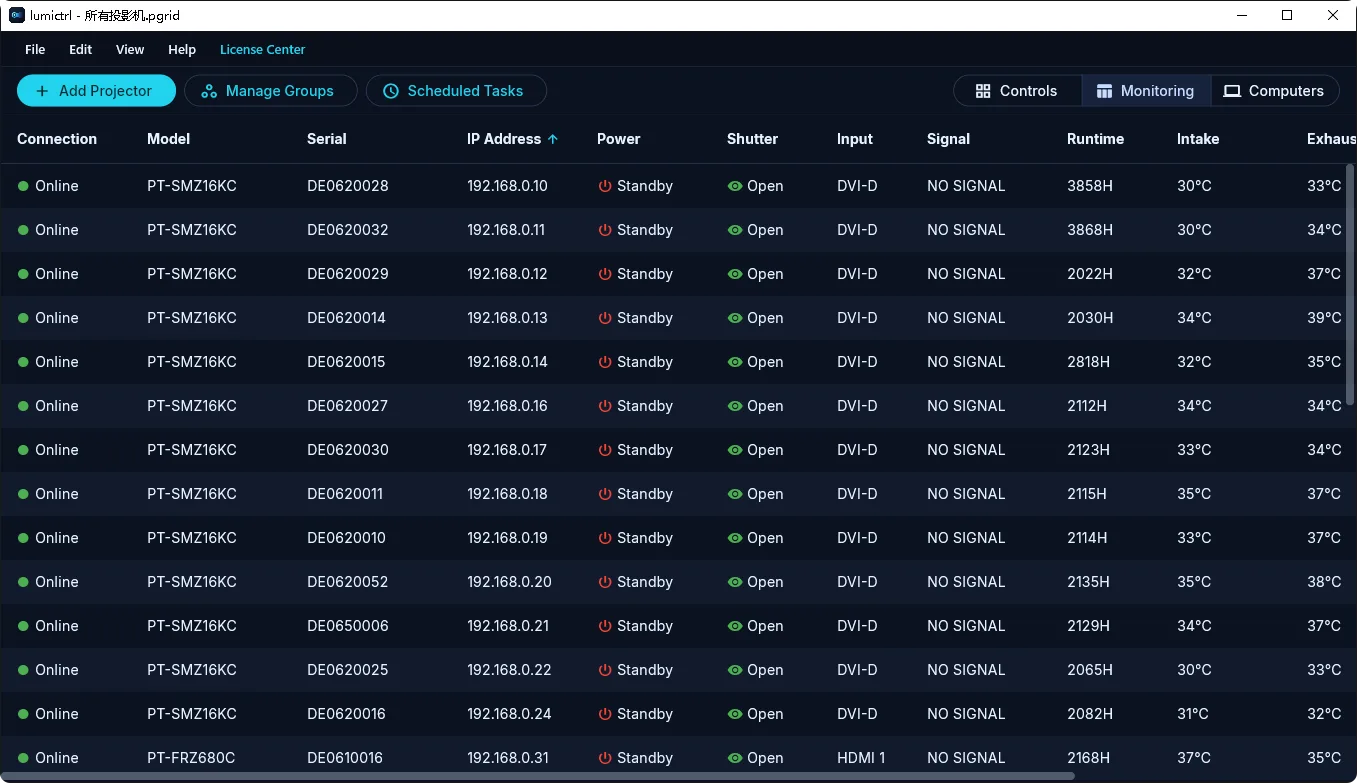
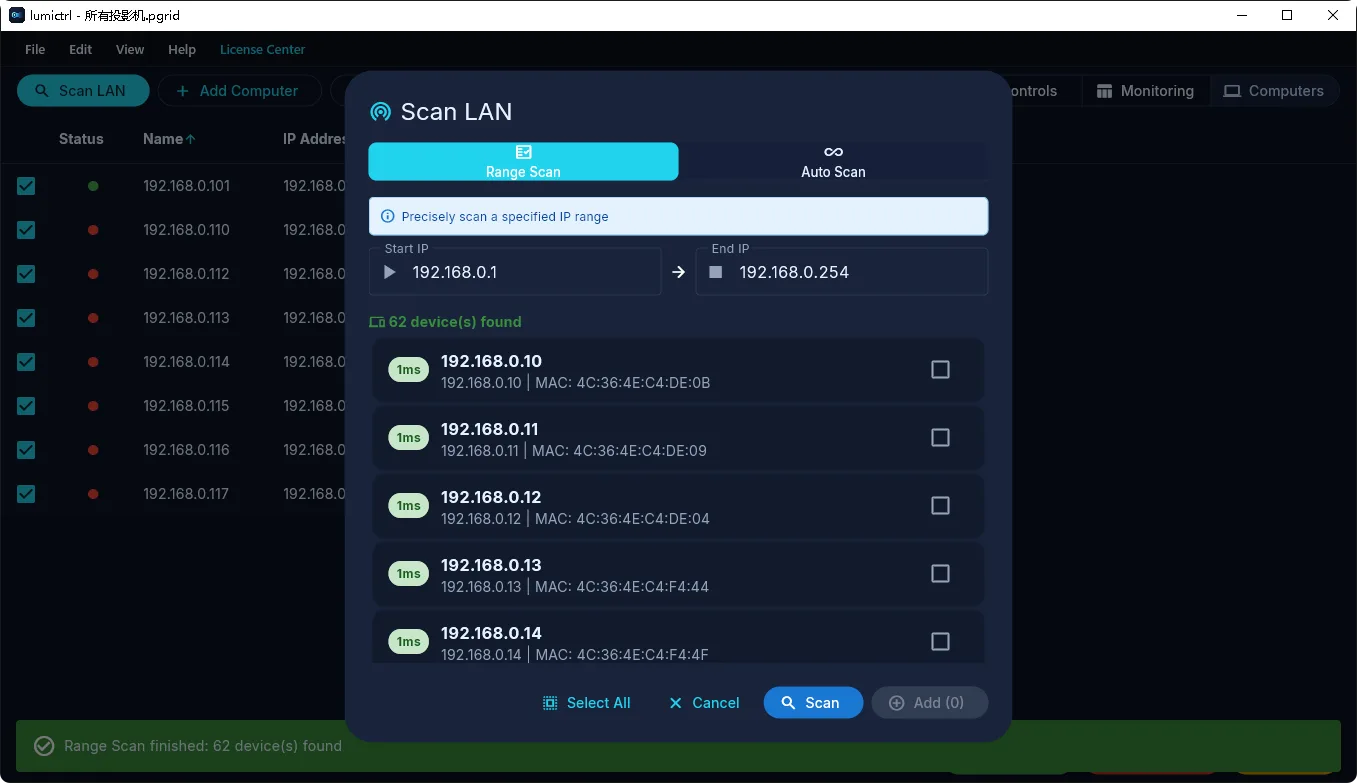
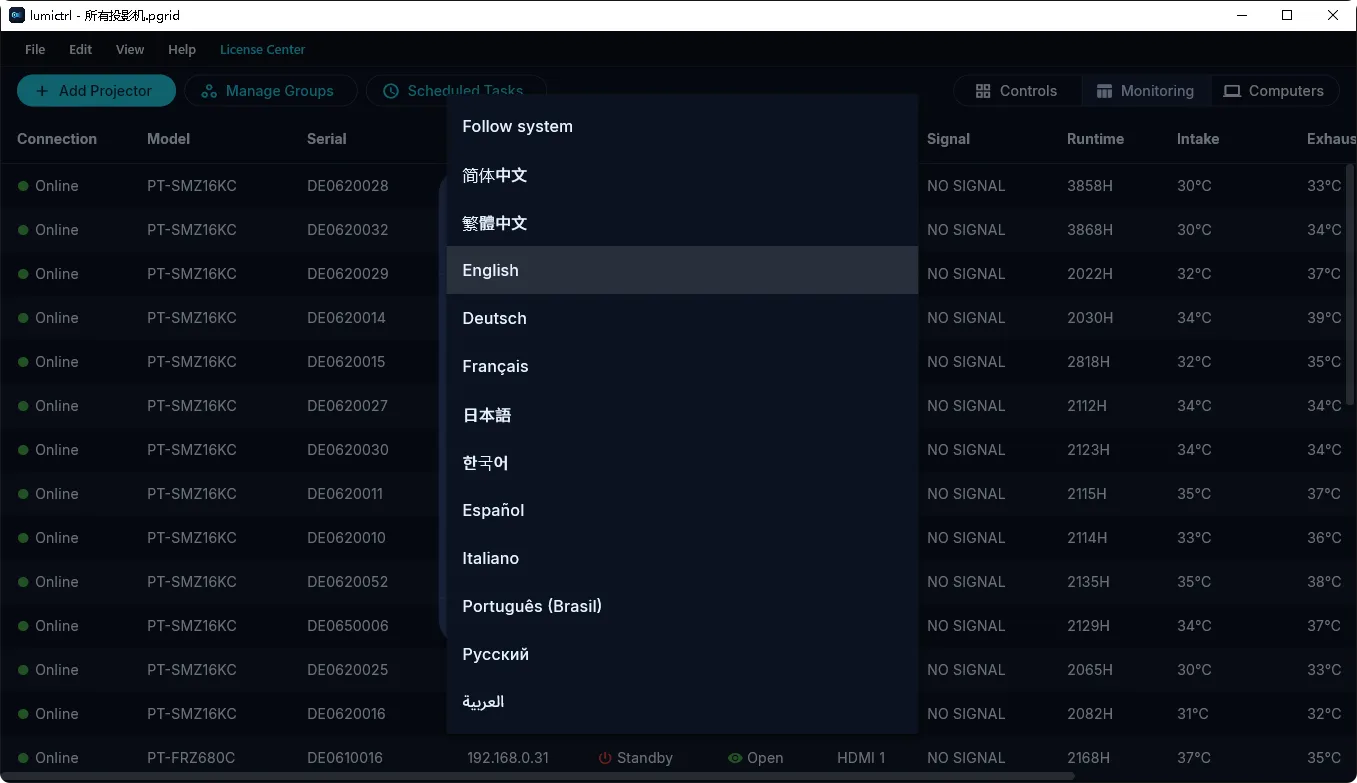
LumiCtrl: It can load and manage hundreds of devices at once. Simply load the project file at startup to monitor device status in real time, check projector operating status at any time, and see whether a device has a fault or error prompt. It can also manage hundreds of computer servers, enabling one-click operation and group management. It is suitable for medium and large projects, concerts, cultural tourism projects, scenic areas, cultural centers, and projection mapping scenarios. You can switch between projector devices in different areas and use device groups, scheduling, and automatic tasks, making it ideal for multi-function, multi-scenario needs. The software supports 12 languages for a better user experience.
Download from the official website: www.lumictrl.com